
Luminar AI
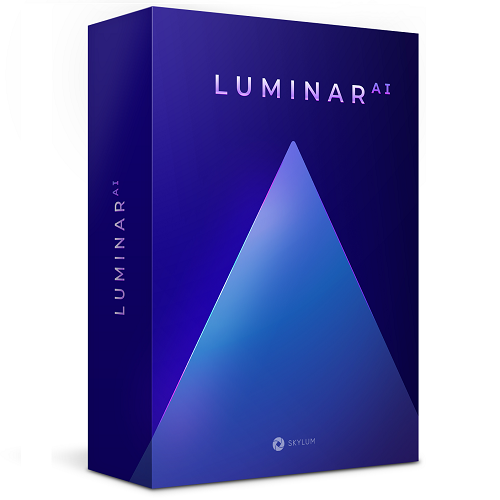
Luminar AI
Ab:
Alter Preis: 79,00 $
Aktueller Preis: 39,00 $
Sparen 40,00 $
Verfügbar für:
- Students,
- Faculty,
- Staff
Haftungsausschluss
Es ist möglich, dass Ihnen beim Bezahlvorgang aufgrund Ihrer nachgewiesenen Berechtigung einer oder mehrere der für Kundengruppen angebotenen Preise nicht zur Verfügung stehen.
BESCHREIBUNG
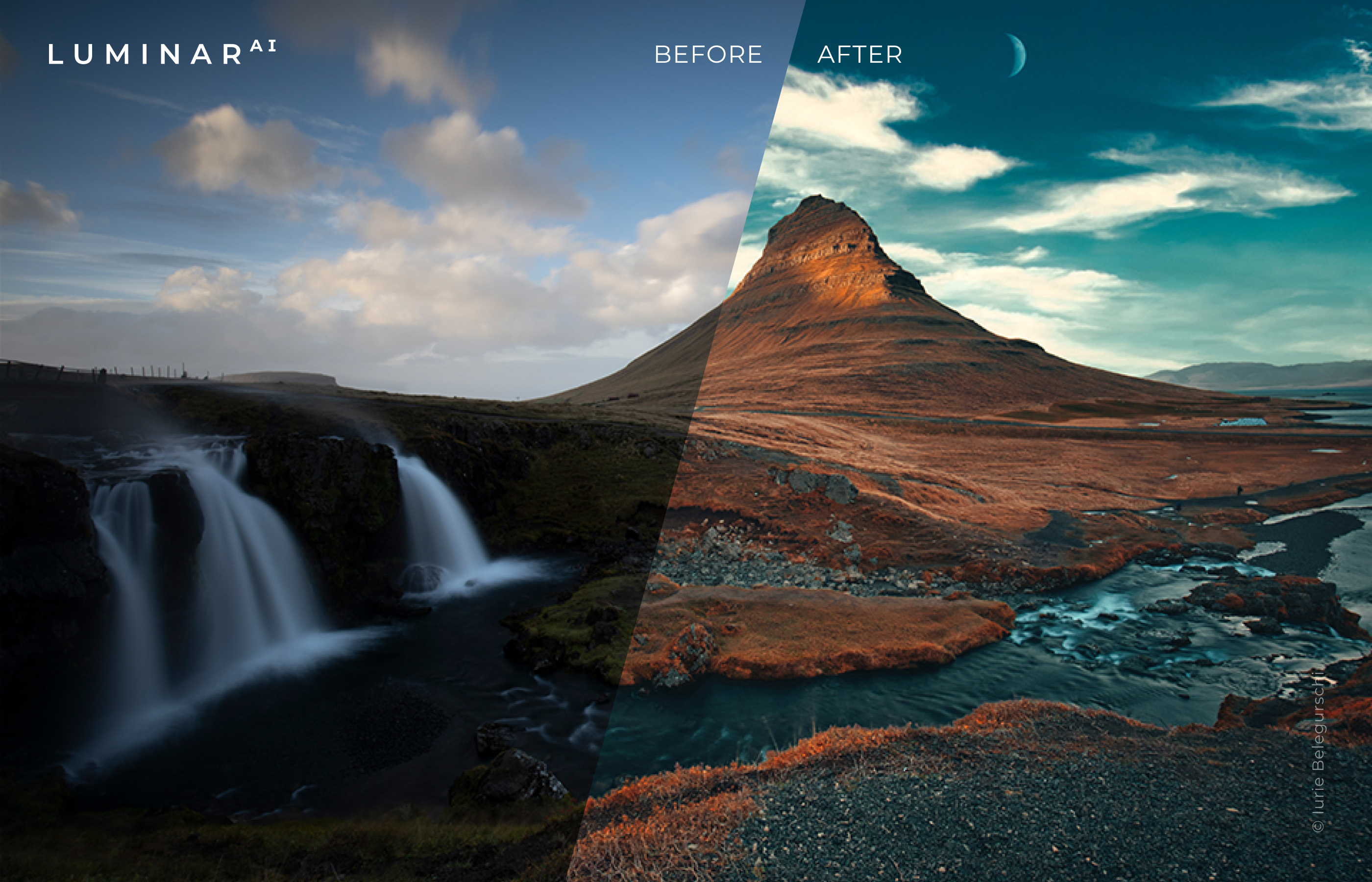
New LuminarAIreinvents the photo editing experience for photographers and creatives of all types, making complex manual editing tasks faster and easier than ever thanks to unique AI-powered tools. Get a glimpse of the magic in this short video:
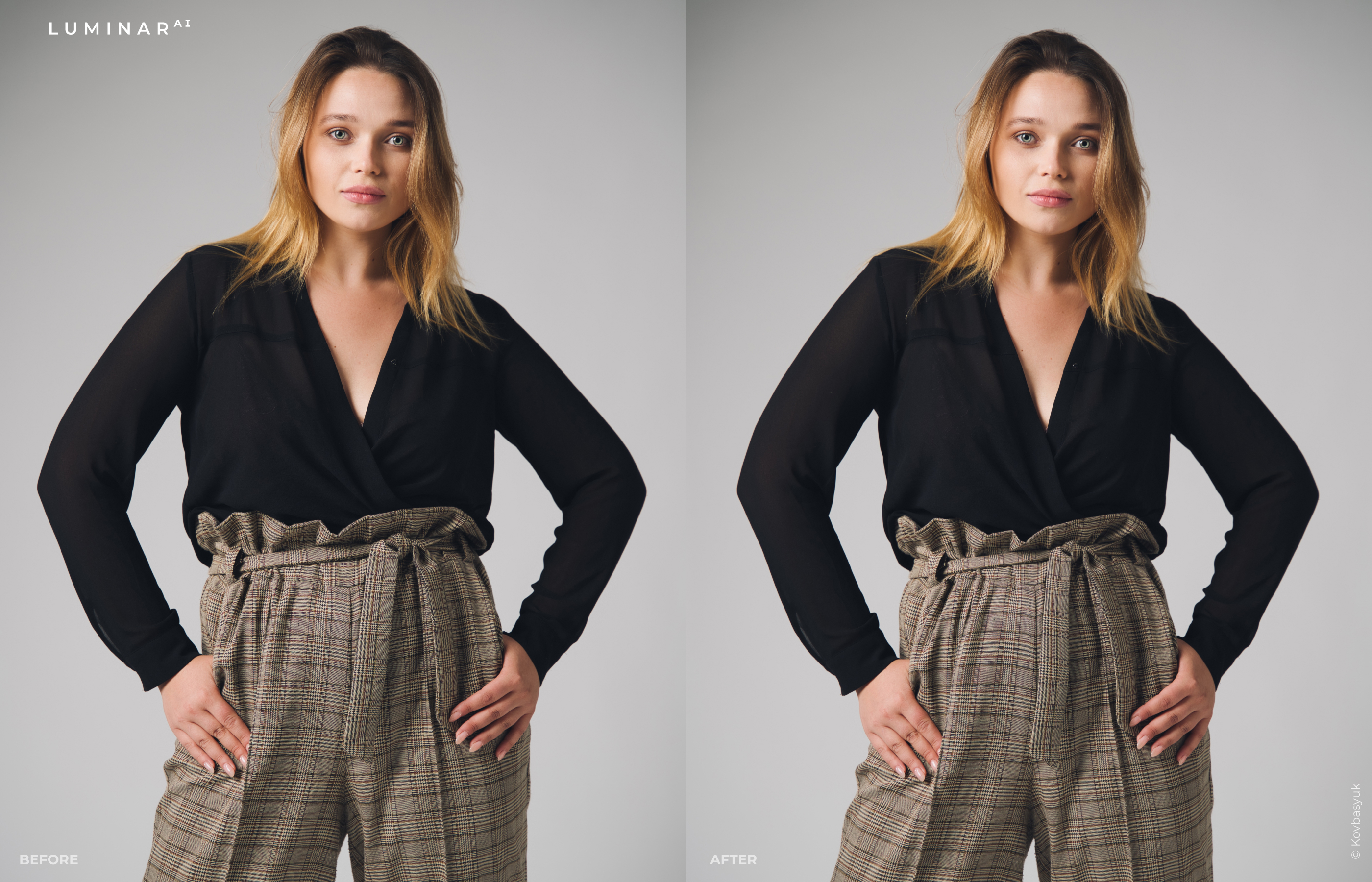
Built from the ground up to leverage artificial intelligence, LuminarAIuses 3D depth mapping, machine learning, and other image-aware technologies to intelligently offer Templates to speed time to results and also understand where to apply enhancements. Photographers, designers, communicators, digital artists and others can then focus on their desired outcome and expanding the creative process, not on time-consuming or repetitive editing tasks.
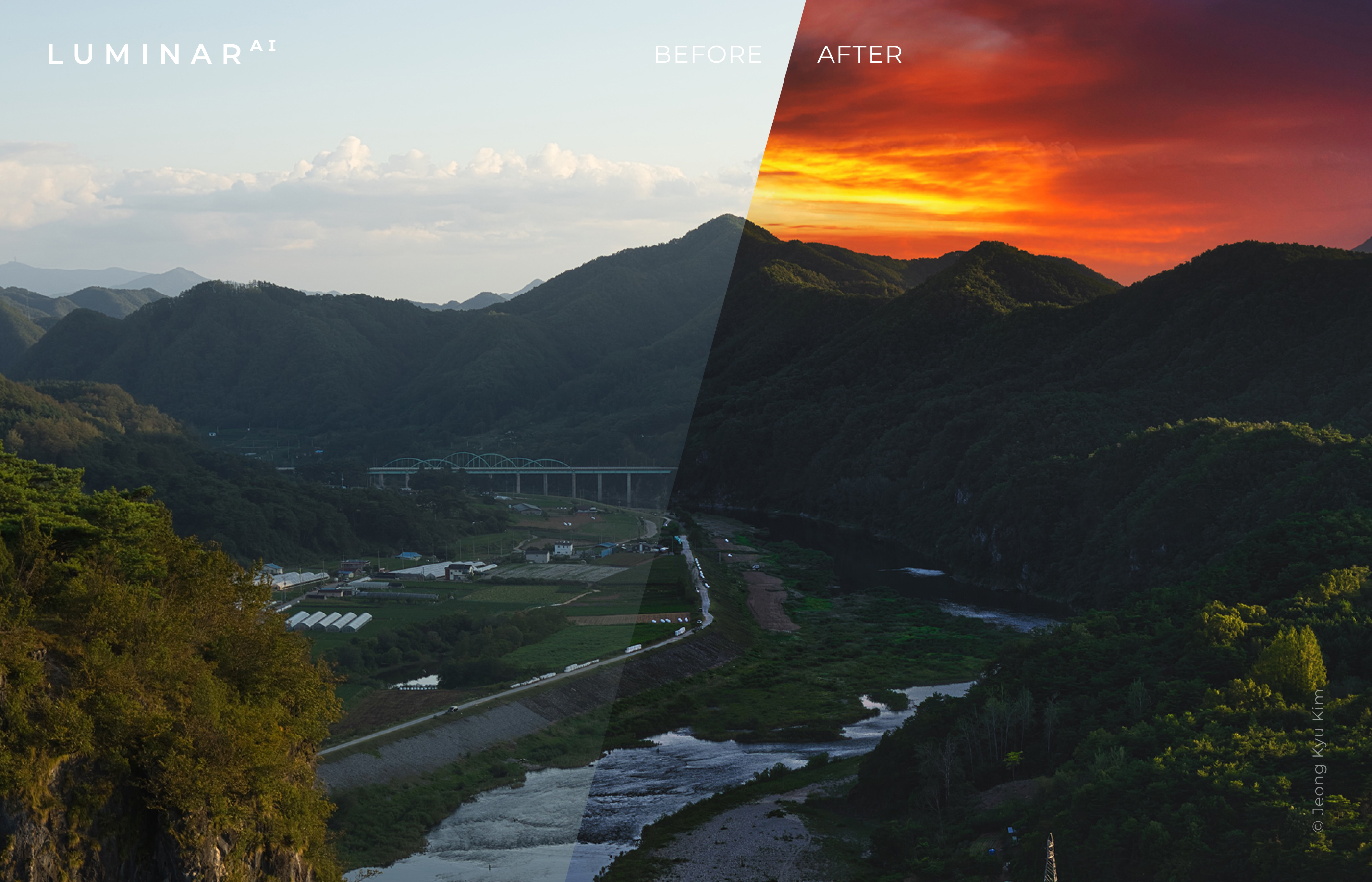
The software, now in its fifth generation, offers something for everyone, no matter their skill level. Instead of “hunting” for the right tool in other traditional editors and figuring out how to use it effectively, in LuminarAI, creatives are greeted with easily understandable tool names and simple sliders.
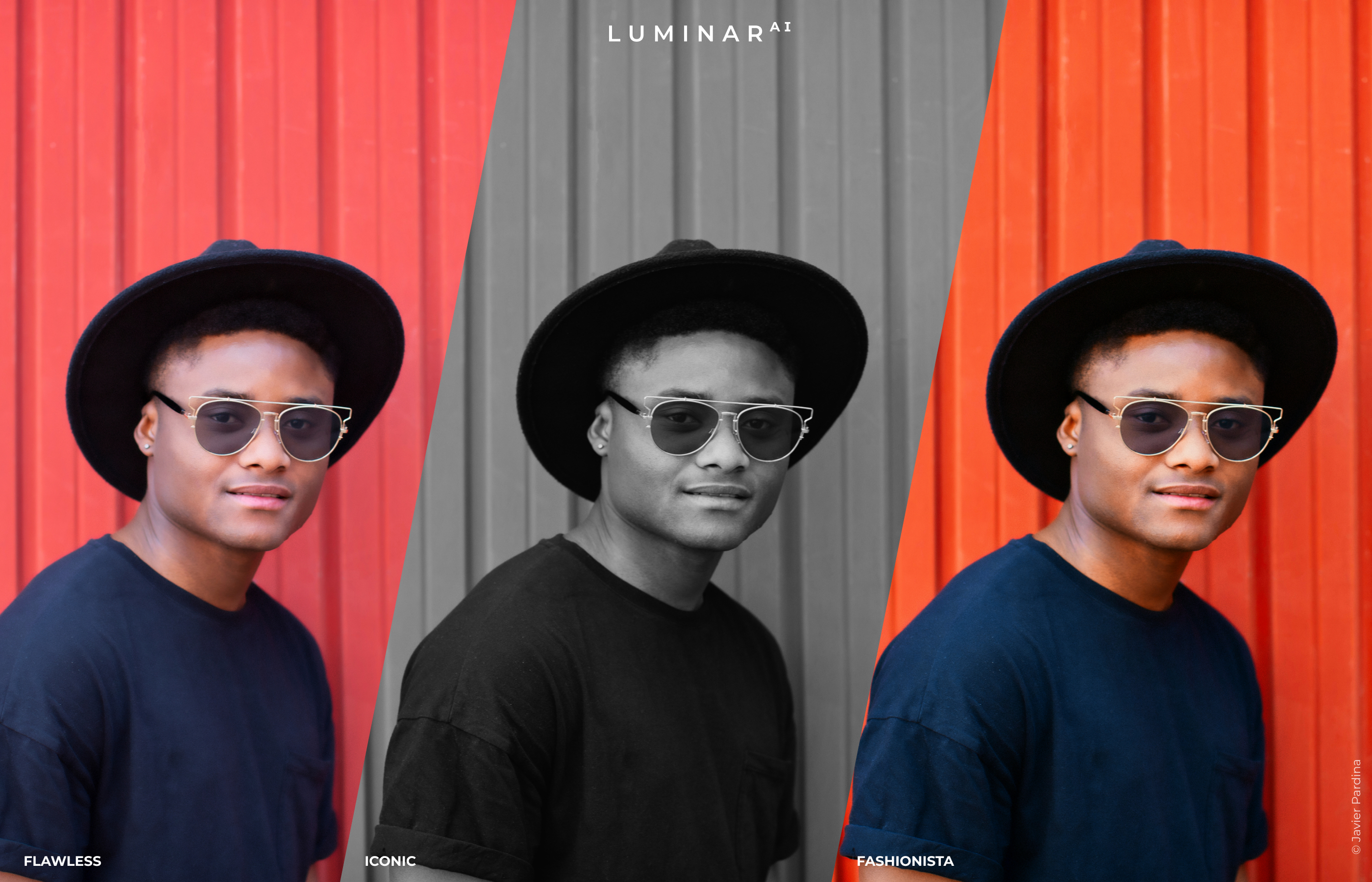
Portrait artists can use FaceAI, SkinAI, IrisAI, BodyAIand myriad other tools to rapidly create the perfect natural-looking portrait image. For travel and landscape photographers, SkyAI, Supercontrast, AtmosphereAI and Sunrays allow for image reinvention and fine-tuning like nothing seen before. And, every image can take advantage of tools like AccentAI, which perfectly balances every important aspect of a photo with one slider, and CompositionAI to help photographers achieve the perfect crop for their image.
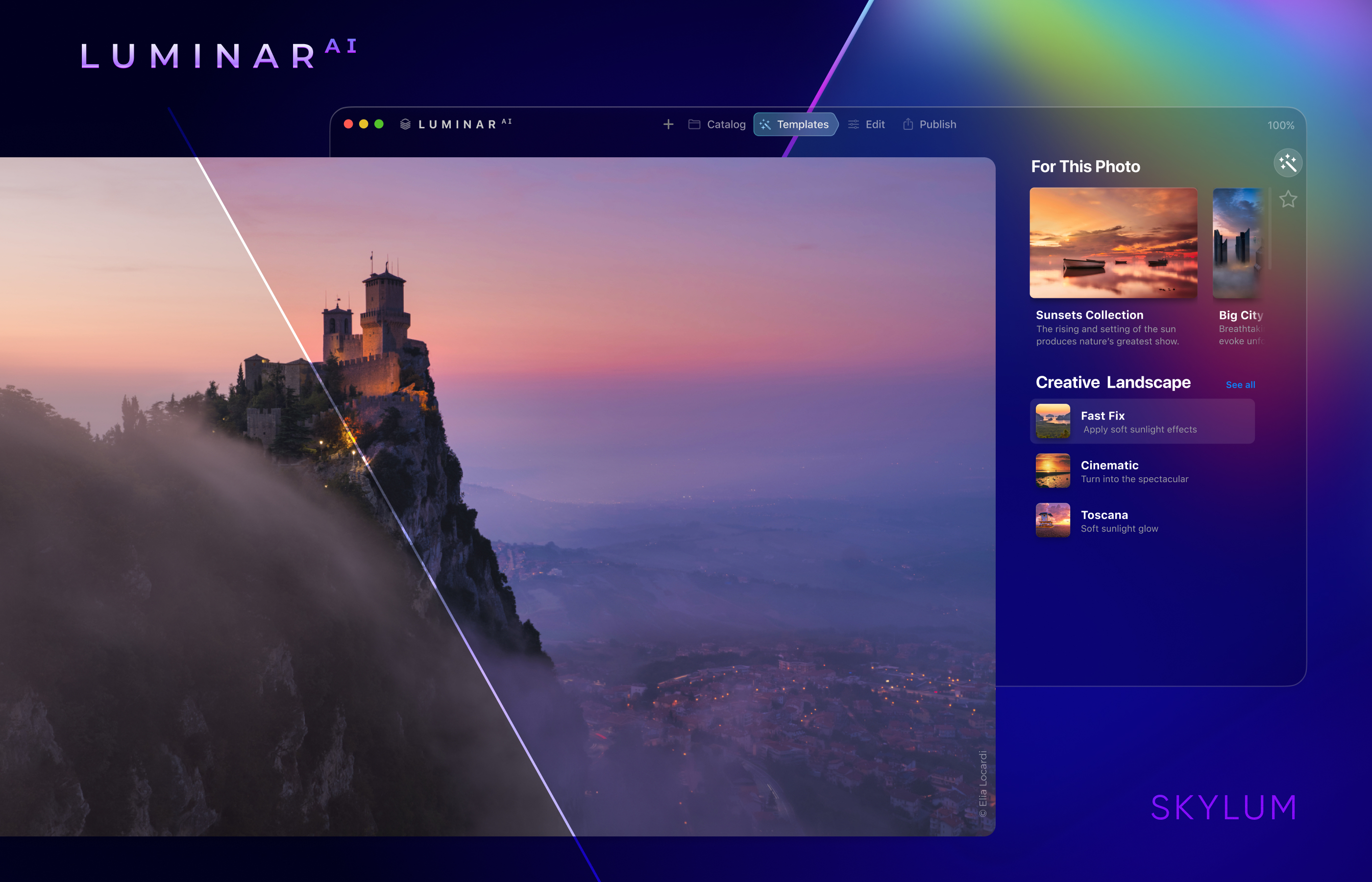
Simply put, LuminarAIis an invaluable imaging tool for anyone who works with photos on a Mac and PC, available as a standalone application, a plugin for Lightroom Classic and Photoshop, and an extension for Apple Photos.
SYSTEMANFORDERUNGEN
TEILNAHMEBERECHTIGUNG
VERWANDTE PRODUKTE
Alle ansehen
Thor Premium Home 3 Years, 3 PCs

Thor Premium Home 1 Year, 3 PCs

IBM® SPSS® Statistics 25 GradPacks

IBM® SPSS® Statistics 26 GradPacks

IBM® SPSS® Statistics 27 GradPacks

IBM® SPSS® Statistics 28 GradPacks

IBM® SPSS® Statistics 29 GradPacks

IBM® SPSS® Statistics 25 Faculty Pack

IBM® SPSS® Statistics 26 Faculty Pack

IBM® SPSS® Statistics 27 Faculty Pack

IBM® SPSS® Statistics 28 Faculty Pack

IBM® SPSS® Statistics 29 Faculty Pack

IBM® SPSS® Amos 26