EaseUS RecExperts
EaseUS RecExperts
- Students,
- Faculty,
- Staff
DESCRIPTION (FOR PRODUCT DESCRIPTION)
Key Features:
- Rich recording mode.
EaseUS RecExperts provides 5 default recording modes, screen recording, audio recording, game recording, webcam recording, and online video recording.
- Flexible recording area
Record the entire screen of your computer, or just select the window you like to record a specific region. You can even choose among multiple monitors.
- Record with audio and camera
Besides your computer screen, it also allows you to record webcam, internal system sound, and built-in or external microphones.
- Export to any format
Export your recordings to MP4, MP3, GIF as you like. EaseUS RecExperts supports outputting your video in up to 13 formats.
- Edit your recording with ease
You can edit your finished recordings easily with EaseUS RecExperts. Trim, split, add intro or outro, adjust speed, etc.
- Meet all kinds of scenarios
You can use EaseUS RecExperts to record lectures, remote classes, live streaming, gameplays, tutorials, etc.
- Intelligent recording
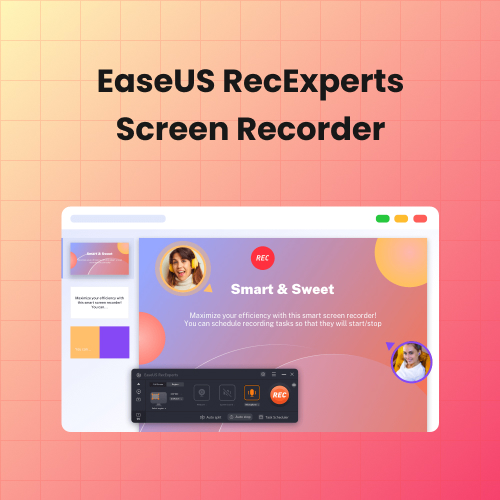
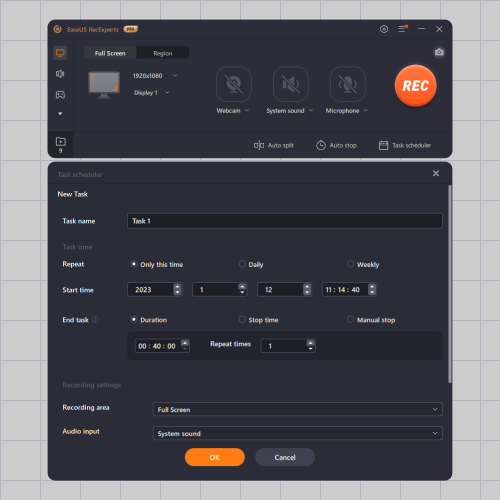
The screen recorder provides you with intelligent auto split and auto stop recording.
システム要件
資格要件
関連製品
すべてを表示