
PDF Studio 2023
PDF Studio 2023
から開始:
旧価格: $139.00
現在の価格: $53.99
節約 $85.01
利用可能です:
- Students,
- Faculty,
- Staff
免責事項
チェックアウト時に、お客様の資格要件に基づいて、お客様グループ向けに提示されている価格のうち、1つまたは複数が利用できない場合があります。
DESCRIPTION (FOR PRODUCT DESCRIPTION)
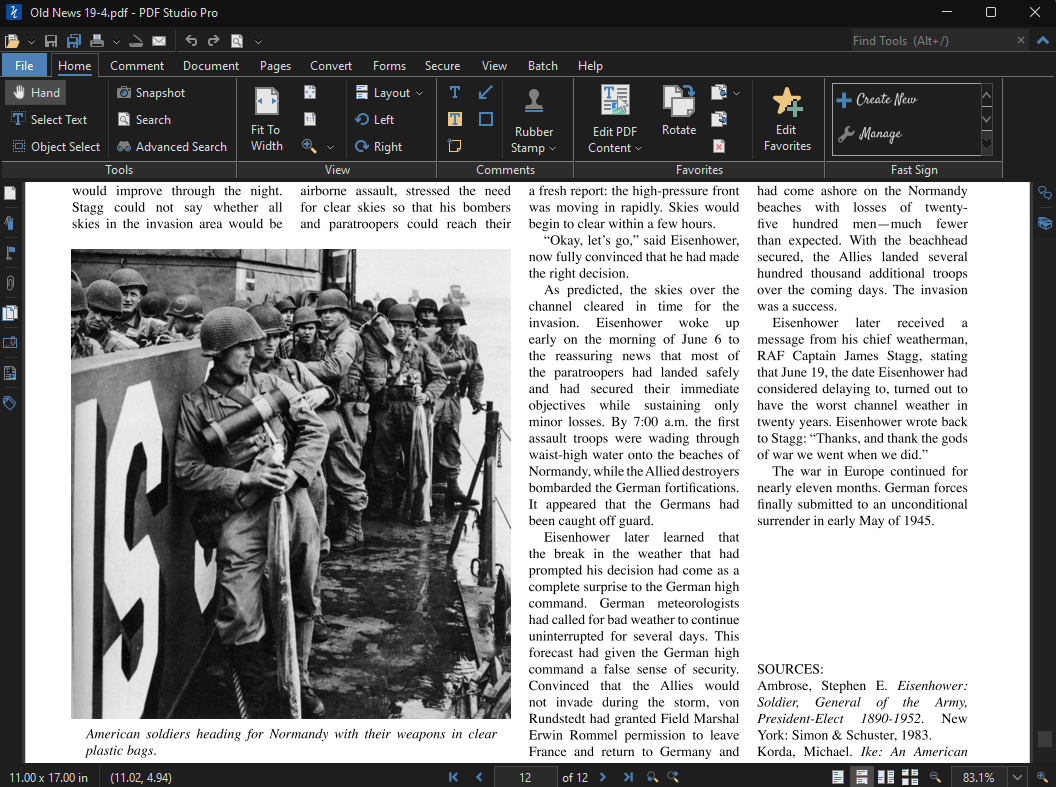
An easy to use, full-featured PDF editing software that is a reliable alternative and provides all PDF functions needed at a fraction of the cost. PDF Studio maintains full compatibility with the PDF Standard.
Features in PDF Studio Pro
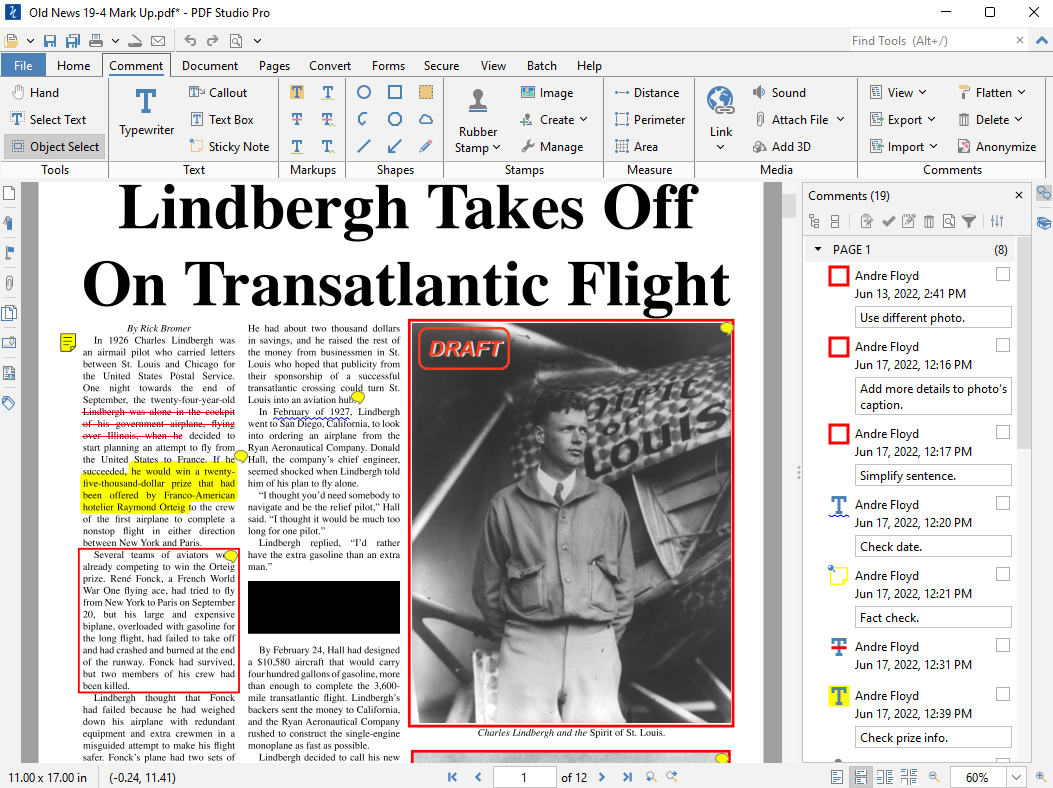
- Create PDFs
- Scan-To-PDF
- OCR (Text Recognition)
- Annotate and Markup PDFs
- Precision Measuring Tools
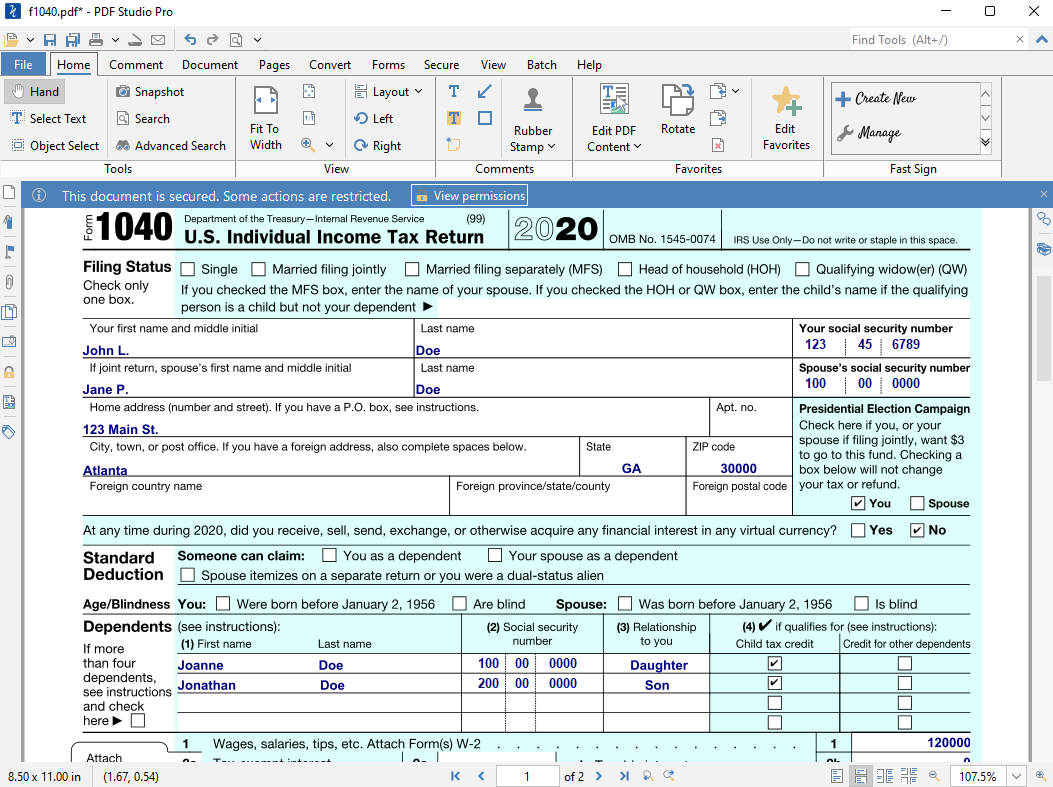
- Design & Fill in PDF Forms
- Secure Documents
- Advanced PDF Splitting & Merging
- Create Watermarks, Headers, Footers
- Document Storage Integrations: Google Drive, One Drive, Dropbox
- Content Editing (Text and Images)
- Redaction Tools
- Sanitize PDFs
- Overlay Compare PDFs
- Optimize PDFs
- Digitally Sign PDFs & Fast Signature
- Batch Process Multiple PDFs
- Tag PDFs for Accessibility (PDF/UA)
- PDF/A, PDF/X, PDF/UA Validation / Conversion
- Advanced Imposition & Printer Marks
- Docusign Integration
New Major Features in Version 2023
- Improvements for Enterprise Deployments (Shared User Settings)
- Improvements to Microsoft Office Conversions (Word to PDF & PDF to Word)
- Support for Dropbox Team Spaces
- Installer Enhancements on Linux and Windows
- New Embed / Unembed Fonts Functions
- Additional Multi Document Functions throughout the Application
- New Optimizer Features
- New Print Features
システム要件
資格要件
関連製品
すべてを表示
PDF Studio 2021